October 30, 2026
A Hacked Hospital Is a Patient Safety Problem. Here Are Four Ways to Protect Yourself.

Hospital cyberattacks now harm patients. Learn how to protect your care with a downtime kit and your own health records.

.svg)



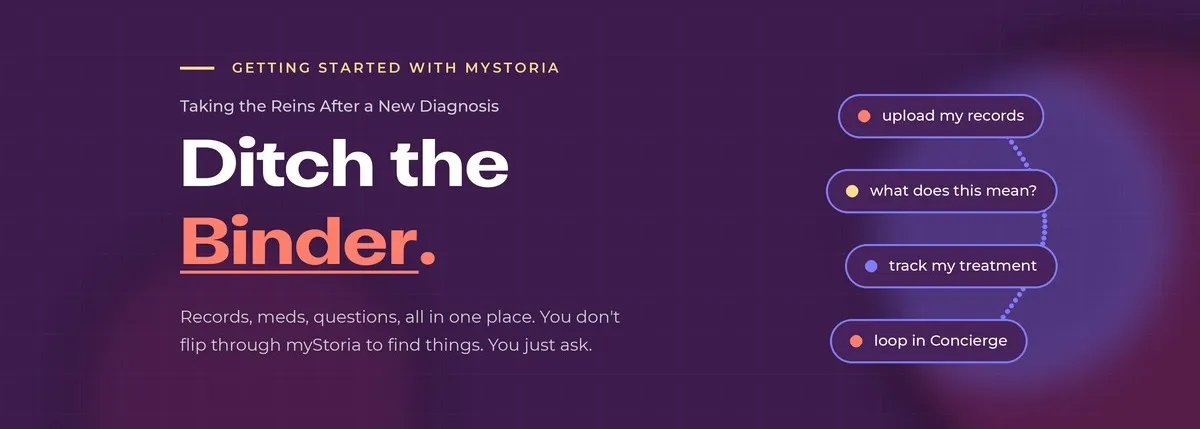
If you've been handed the binder, you know the one. The thick folder of printouts, resource sheets, and records they send you home with. The one you're supposed to keep, update, and somehow find things in — usually while flipping through it in a waiting room with someone waiting on your answer.
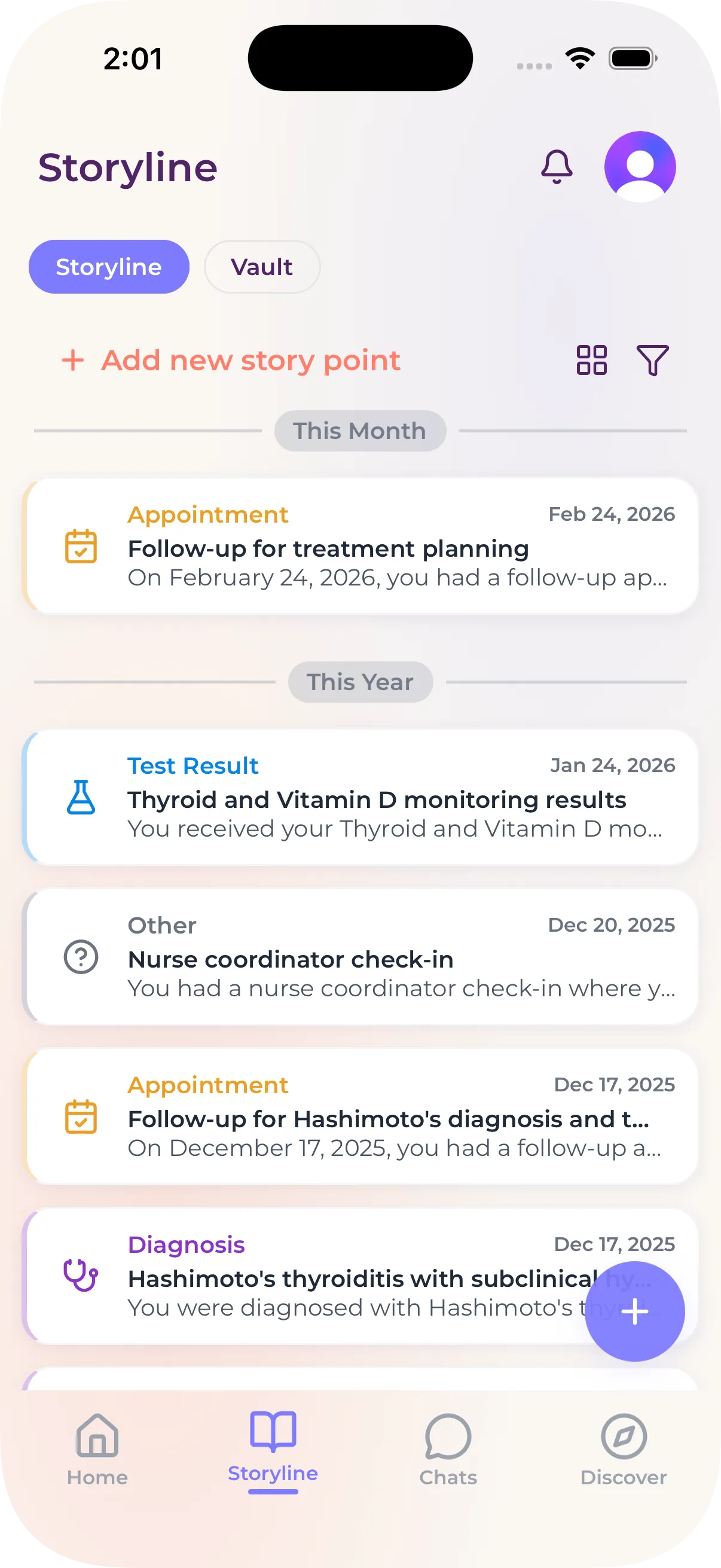
You don't need the binder. myStoria is the binder, except you don't flip through it. You ask it.
Here's how to set that up after a new diagnosis.
Get everything in one place
Start by pulling your records together. Log into your patient portal and grab whatever's tied to this diagnosis — test results, imaging, specialist notes, the visit summary. Upload it all. Your Assistant reads it, sorts it, and builds the StoryLine events for you, so the whole picture lives in one place instead of scattered across portals and inboxes.
No patient portal? Let Concierge know and we'll help you get your records.
Then tell it what's going on: "I was just diagnosed with ___." That becomes its own StoryLine event, the anchor everything else connects back to.
Understand what you're actually dealing with
Now use the chat. Ask the questions you didn't get to ask in the appointment, or the ones you only thought of after:
"What does this diagnosis mean in plain language?"
"What do these test results have to do with it?"
...



Carly Malo is myStoria's Head of Concierge. She has 2 decades of experience in direct nursing care, having worked in long-term care, sports medicine, practical nursing, and fertility/reproductive health.