October 5, 2026
Find the Gaps in Your Health Story

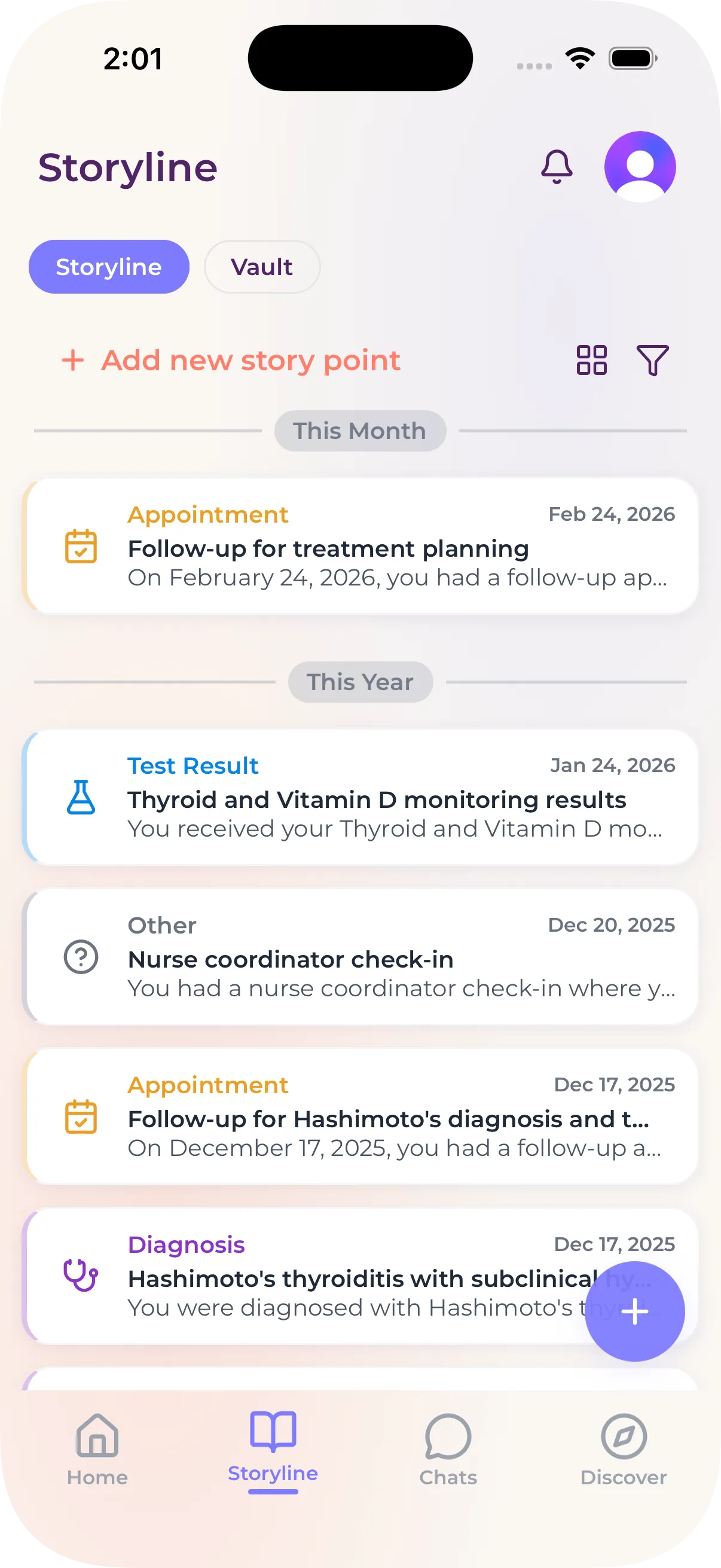
myStoria’s Storyline puts your records, labs, and visits on one timeline, shows the time between events, and helps you request records to fill the gaps.

.svg)



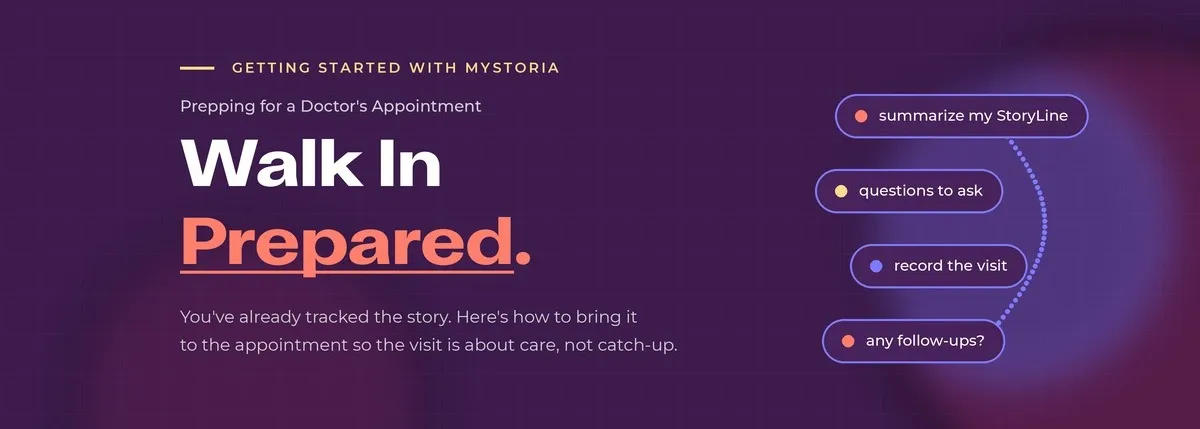
If you've been using myStoria for a while, you've already done the hard part. Your symptoms are tracked, your records are uploaded, your check-ins are adding up. That means prepping for an appointment isn't a scramble the night before. It's a conversation.
Here's how to use what you've already built.
Before your appointment
Open a chat and put your Assistant to work. The goal is to walk in with everything your doctor would otherwise have to dig for. Try:
"Go through my StoryLine and get me ready for my appointment. Summarize what's been going on since my last visit, my current symptoms, and any patterns you've noticed. Then put together a list of questions I should ask."
That one prompt does most of the work. You can follow up with:
"Is there anything in my history I might be forgetting to bring up?"
You'll walk in able to tell your doctor ...



Carly Malo is myStoria's Head of Concierge. She has 2 decades of experience in direct nursing care, having worked in long-term care, sports medicine, practical nursing, and fertility/reproductive health.